Warehouse interface

MX interface – goods receipt and stocktake straight from a mobile device

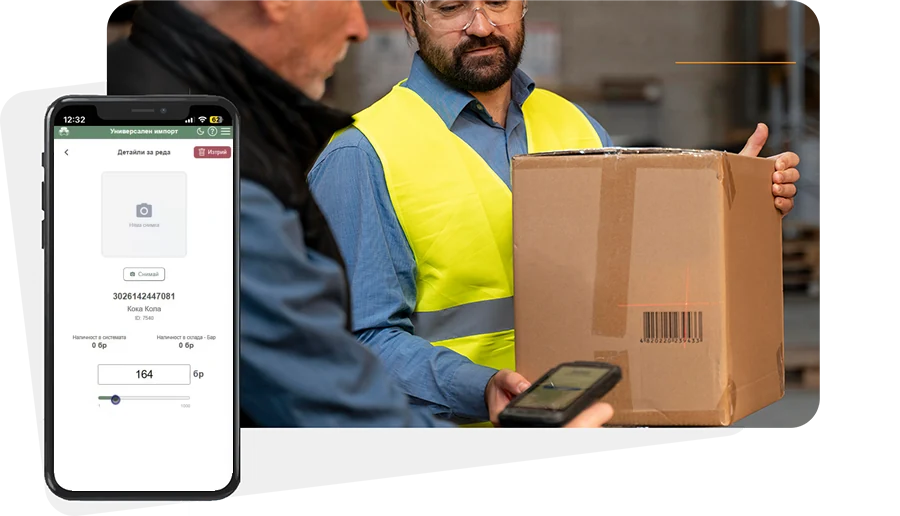
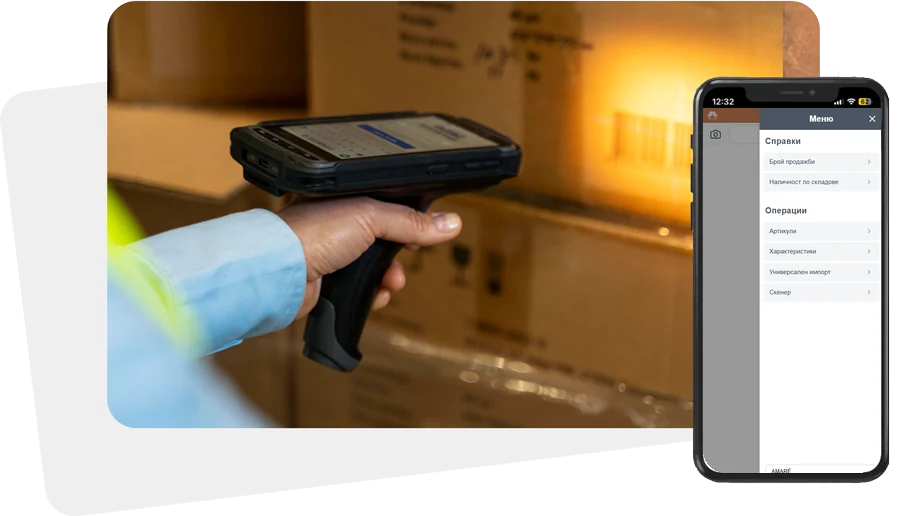
MX is barsy's warehouse interface. Staff use it on a phone or a dedicated terminal with built-in scanner to scan items and enter received or counted quantities – without returning to a desktop PC.

Work does not stop when the internet drops – scanned items and imports are stored locally and written to the system as soon as the connection is back.

Warehouse interface
Capabilities

Capabilities

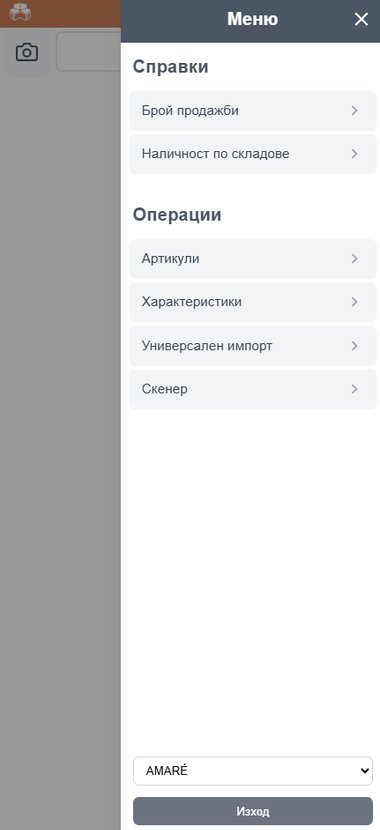
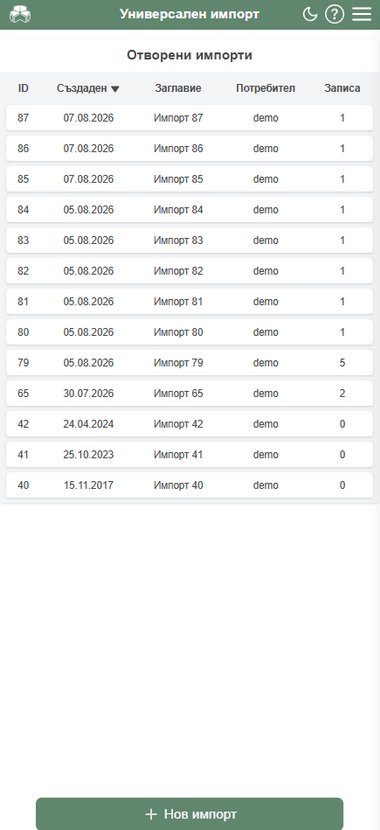
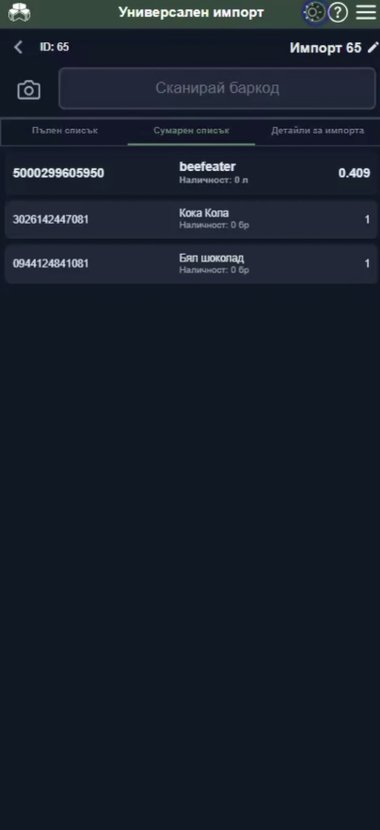
  • Universal import – goods receipt or stocktake by scanning
  • Items – search by barcode or name and create new items
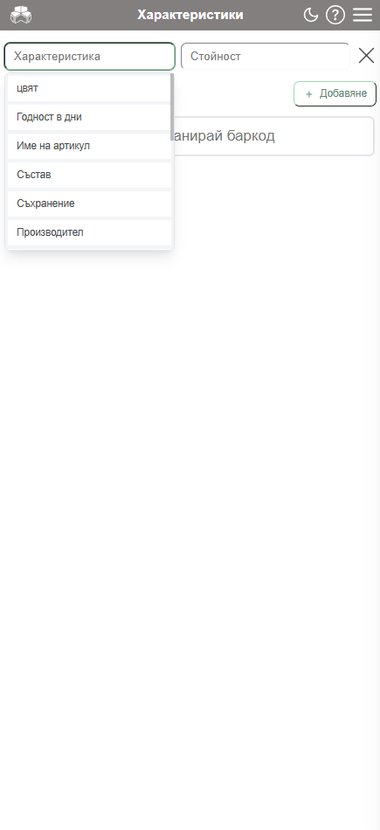
  • Attributes – set item attributes (e.g. colour, size)
  • Stock reports by warehouse and sales count for scanned item
  • Scanner – photo of delivery document (e.g. invoice) attached to the goods receipt
Universal import

Universal import

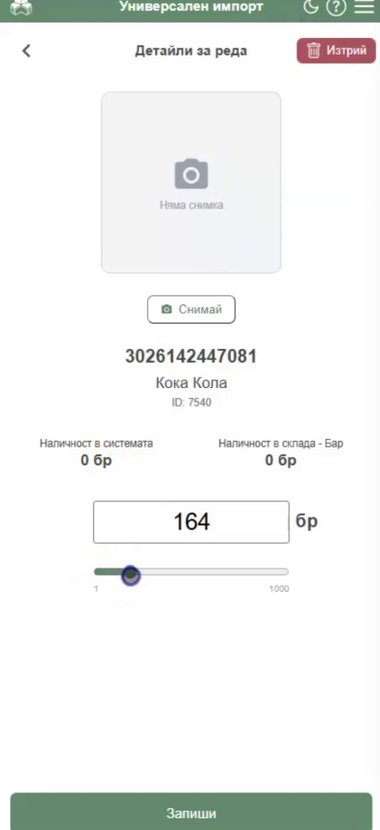
  • Item stock visible immediately on scan – for selected warehouse or whole system
  • Unrecognised item – create a new item directly from the import, with a photo and quantity
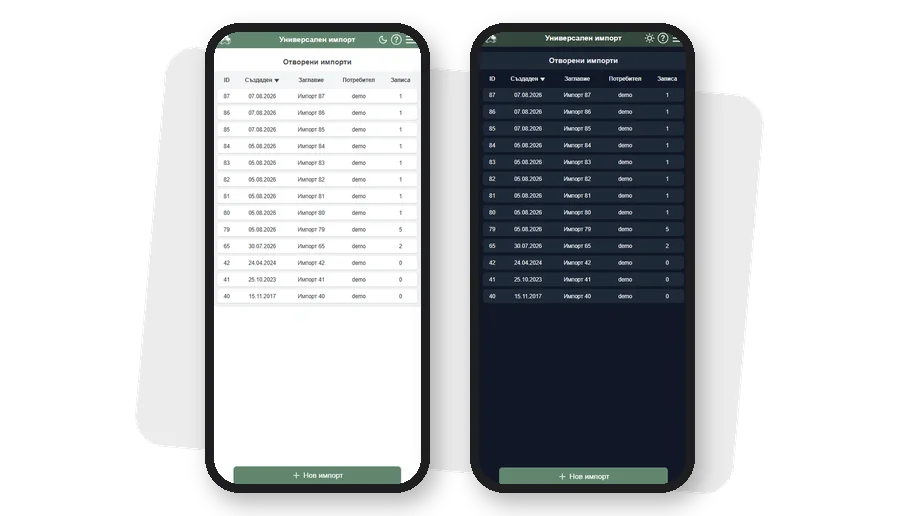
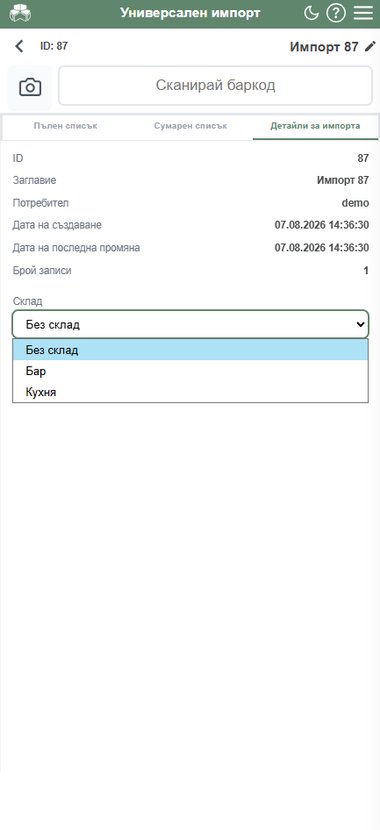
  • Import details – summary, warehouse selection, delete entire import
  • Warehouse selected in MX stays selected when opening the import in administration
  • Edit and delete scanned line from “Line details”
Bottle quantity

Bottle quantity

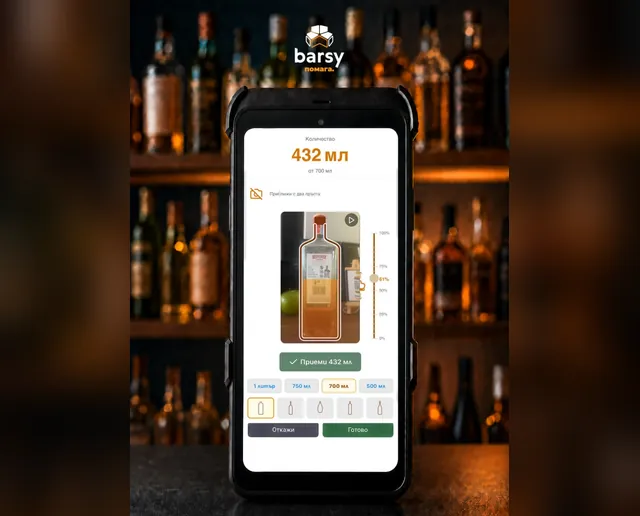
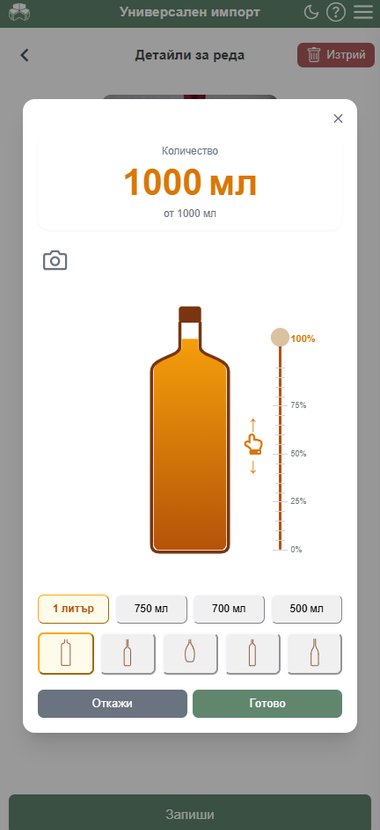
  • Choose bottle shape and volume
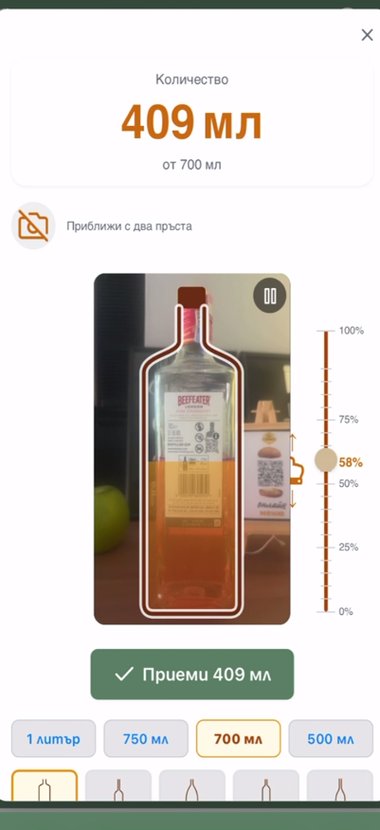
  • Slide to liquid level instead of manual calculation
  • Camera as background – the real bottle shows behind the outline
  • System calculates quantity in litres from the shape's actual volume
  • Manual quantity entry remains an option
Design

Design

  • Lightweight, fast interface suited to one-handed use
  • Offline work with automatic save when online
  • Choice of light and dark themes
  • Support for multiple devices

barsy will keep evolving as needed to reflect changes in Bulgarian regulations and in the environment your business operates in

Don't see your business here?

barsy works for all kinds of businesses. Tell us what you need and we will suggest a setup that fits yours.

Send an enquiry